Market News on Tick2Trade: How to Use Live News to Make Faster Trading Decisions
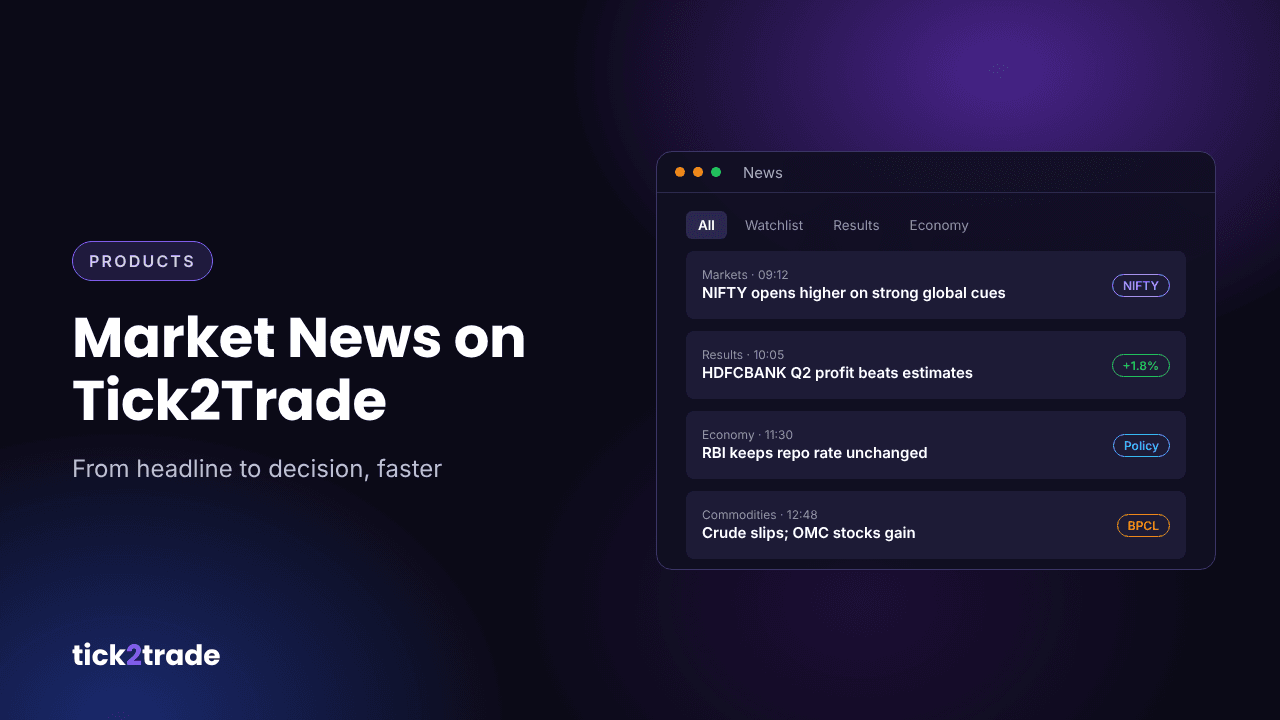
Prices move on information. A results announcement, an RBI policy decision, a block deal or a global cue can change a stock's direction in minutes. Traders who see the news alongside the chart can react calmly; traders who find out later end up chasing. Tick2Trade puts market news inside the trading terminal, so you can read what is happening and see how price is reacting in the same place.
Why news belongs next to your chart
Switching between a news app, a charting tool and a broker costs time and attention. With news in the terminal you can:
- See a headline and open the stock's chart in one click.
- Check whether price is confirming the news or ignoring it.
- Decide quickly whether a move is news-driven or purely technical.
Types of news that move the market
- Company news – quarterly results, management commentary, order wins, mergers and acquisitions.
- Corporate actions – dividends, splits, bonus issues and buybacks.
- Economic data – inflation, GDP, IIP and RBI policy decisions.
- Global cues – US Fed decisions, crude oil, the rupee and overnight moves in global indices.
- Sector news – policy changes that affect banks, auto, pharma, IT or metals as a group.
A simple news routine for traders
- Before the open: scan the news for overnight global cues and stocks with results or announcements.
- Add movers to a watchlist: put stocks in the news into today's watchlist so you can track them through the session.
- Check the index picture: use the Overview tab to see which index heavyweights are contributing to NIFTY's move.
- Set alerts: mark the key levels on news-driven stocks and let alerts tell you when they break.
- Review after the close: note which news the market rewarded and which it ignored.
How to trade around news
- Let price confirm. Good news with falling price is a warning sign. Wait for the chart to agree with the headline.
- Respect volatility. Spreads widen and moves are sharper around events. Size positions smaller.
- Watch implied volatility. Option premiums often fall sharply after the event, even if direction is right.
- Avoid rumours. Act on confirmed information, not on social media chatter.
Common mistakes
- Buying the headline after the stock has already gapped up 5%.
- Holding naked option positions through results without a plan.
- Reading the news but never checking how the chart reacts.
Try it on Tick2Trade
News, charts, watchlists and alerts in one terminal help you go from headline to decision faster. Open the Tick2Trade chart terminal and open the News panel to stay ahead of the market.
Disclaimer: This article is for educational purposes only and is not investment advice. Trading in securities and derivatives involves risk.